

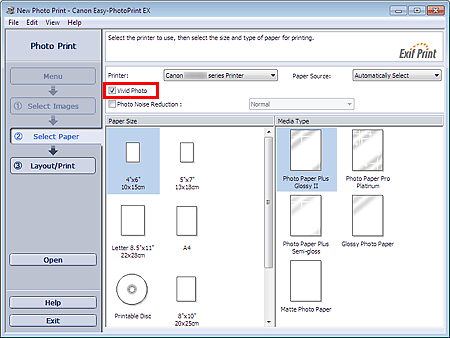
Select the Vivid Photo checkbox in the Select Paper screen to boost the colors in a photo before printing.
 Important
This function is available only with a printer that supports Vivid Photo.
This function is not available when Enable ICC Profile is selected on the Advanced tab of the Preferences dialog box.
 Note
NoteEven if you select the Vivid Photo checkbox, this effect applies only to the print result. The original image or preview image will not be affected.
