


You can swap the positions of images.
Click  (Swap Image Positions) in the Edit screen.
 Note
NoteThe screen(s) for Album printing is (are) used as example(s) in the following descriptions. The screen(s) may vary depending on what you create.
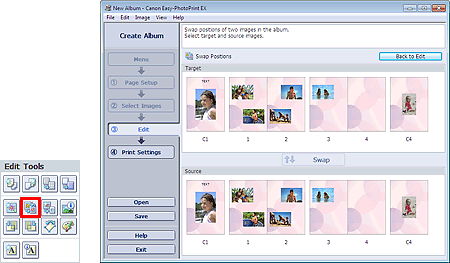
Select the target and source images you want to swap, then click Swap.
When you finish swapping all images you want to swap, click Back to Edit.
