


You can save edited items.
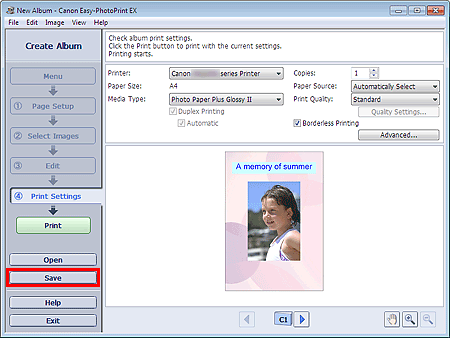
Click Save in the Edit or Print Settings screen.
 Note
NoteThe screen(s) for Album printing is (are) used as example(s) in the following descriptions. The screen(s) may vary depending on what you create.
When the Save As dialog box appears, specify the save location and file name, then click Save.
 Important
If you edit a saved file and save it again, the file will be overwritten.
To save a file again with a new name or to a different location, select Save As... from the File menu and save.
NoteSave will not be displayed in the Page Setup or Select Images screen.
