

As shown below, printing starts from the left side of the image displayed in the Layout/Print screen.
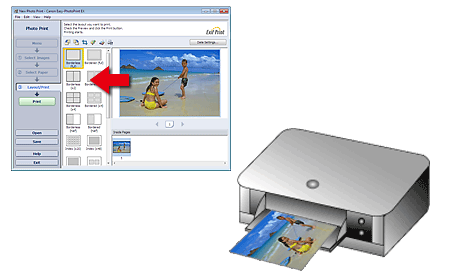
Outputs the paper in the direction as the arrow indicates.
Refer to your printer manual for details on how to load paper (to print on the front/back, etc.).
