Removing a Printable Disc
Pull out the disc tray.
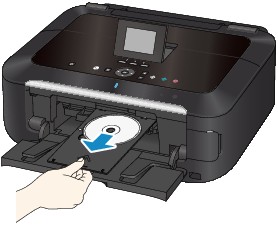
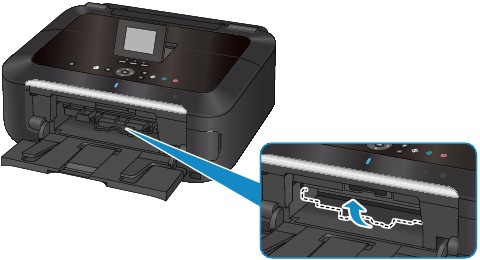
Close the inner cover.
 Important Important
 If the inner cover is opened, you cannot print on paper as it will not feed properly. Make sure that the inner cover is closed. If the inner cover is opened, you cannot print on paper as it will not feed properly. Make sure that the inner cover is closed.
|
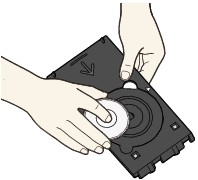
Remove the printable disc from the disc tray.
Important
Do not touch the printing surface when removing the disc from the disc tray.
|
 Note Note
Dry the printing surface sufficiently before removing the disc. If you see printing on the disc tray or the transparent parts on inner or outer diameter of the printable disc, wipe them off after the printing surface has dried.
|
4.72 inches (12 cm) printable disc:
(1) Remove the printable disc from the disc tray.
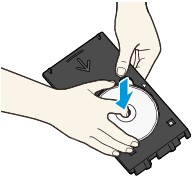
3.15 inches (8 cm) printable disc:
(1) Remove the 3.15 inches (8 cm) disc adapter from the disc tray.
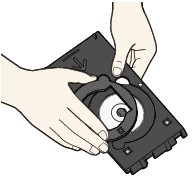
(2) Remove the 3.15 inches (8 cm) printable disc from the disc tray.
Important
The disc tray cannot be used if it becomes warped. Be sure to keep the disc tray on a flat place.
|
