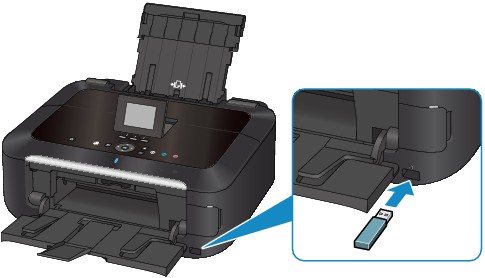
Before inserting the USB flash drive
 If your USB flash drive cannot be inserted into the direct print port of the machine, you may be required to use an extension cable for the USB flash drive. Purchase it at electronics retail stores.
Some USB flash drives may have recognition problem, and these devices may not guarantee proper operation of the machine.
You may not be able to use USB flash drives with security function.
For information on the data that can be printed with this machine, see Printable Image Data.
 Note
Note