
 Note
NoteTo scan via a network connection, start MP Navigator EX and set up the network environment.
 Click Here: MP Navigator EX
MP Navigator EX starts.
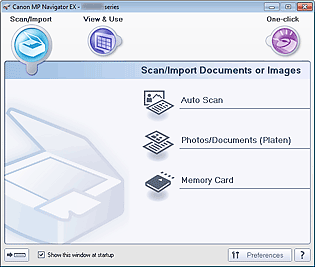 Note
NoteTo display from the Start menu, follow these steps: From the Start menu, select All Programs > Canon Utilities > MP Navigator EX 5.0 > MP Navigator EX 5.0.
Click  (Switch Mode) at the bottom left of the screen.
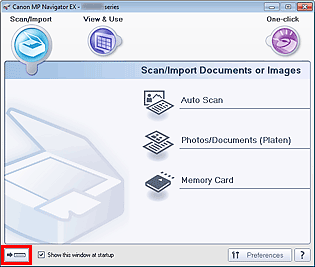
The One-click Mode screen appears.
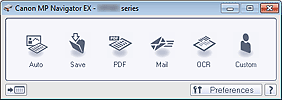 Note
NoteSelect the Show this window at startup checkbox in the Navigation Mode screen to always open the Navigation Mode screen at startup. If this checkbox is not selected, the last used screen appears at startup.
Click  (Switch Mode) at the bottom left of the One-click Mode screen to display the Navigation Mode screen.

