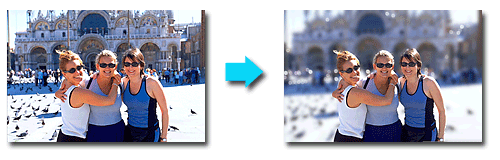
Transform your photos into unique and attractive images using special filters.
Click  (Special Image Filters) in the Select Images or Edit screen, or in the Layout/Print screen of Photo Print. You can make the following enhancements in the Special Image Filters window.
 Important
For Photo Print, if you select Enable ICC Profile in the Advanced tab of the Preferences dialog box, you cannot enhance images.
 Note
NoteFor Photo Print, if you want to print enhanced images as seen in Preview, deselect the Enable Auto Photo Fix checkbox on the Advanced tab of the Preferences dialog box.
To display the Preferences dialog box, click  (Settings) or select Preferences... from the File menu.
See Help for details on the Special Image Filters window.
You can enhance an image to resemble a photo taken with a fish-eye lens.
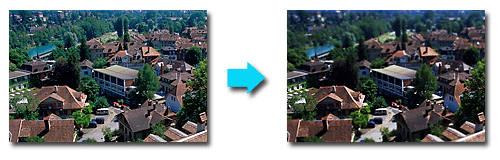
You can enhance an image (landscape photo, etc.) to resemble a photo of a miniature model (diorama).
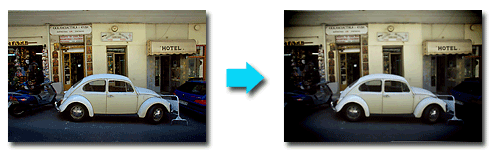
You can enhance an image to resemble a retro photo taken with a toy camera.
You can soften an image to resemble a photo taken with a soft focus lens.
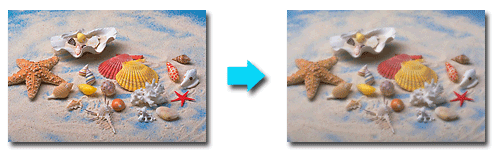
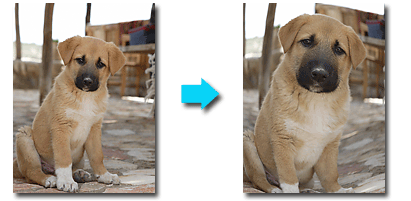
You can blur the background to emphasize the subject or specific areas.