You can change the configuration of the printer selected on the Canon IJ Network Tool screen.
Click the tab to select the sheet to change the settings.
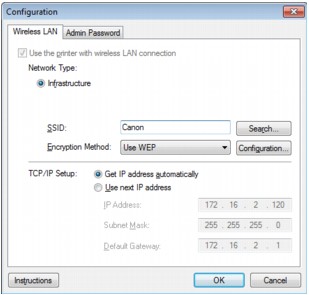
The following screen is the example to change the setting on the Wireless LAN sheet.
For details on each sheet, see the following.

