MP Navigator EX (supplied scanner software) enables you to easily scan photos and documents.
 Easy Scanning with Auto Scan
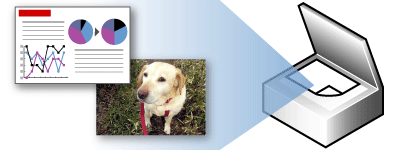
You can scan photos and documents easily by automatically detecting the document type.
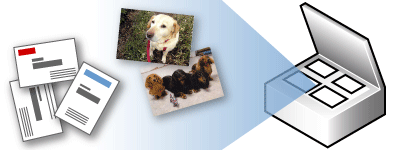
Scanning Multiple Documents at One Time
You can scan two or more small documents (photos, cards, etc.) at one time.
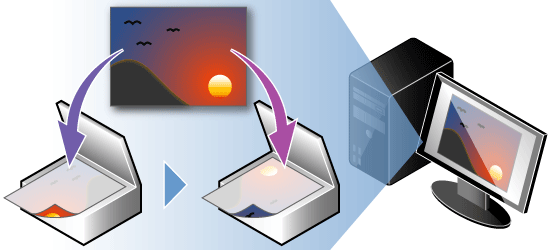
Scanning Images Larger than the Platen (Stitch Assist)
You can scan images that are larger than the Platen.
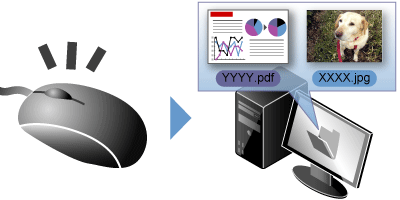
Easy Scanning with One-click
You can complete from scanning to saving, etc. at one time by simply clicking the corresponding icon.
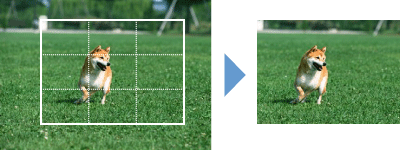
Trimming Scanned Images
You can trim (crop) scanned images.
Correcting/Enhancing Images Automatically
You can easily correct/enhance scanned photos.

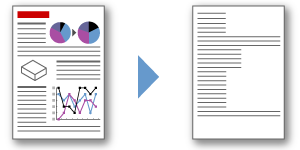
Extracting Text from Scanned Images (OCR)
You can scan magazines, newspapers, etc. as images and convert the text to editable text data.
-
There are more functions to MP Navigator EX than those mentioned above.
See the section below for more details.
 Scanning with the Bundled Application Software (MP Navigator EX)
